 Photo Vault
 combines an app lock, encrypted local storage and portable secure archives. These protect different parts of your workflow; readable exports, originals and recipient copies need separate care.
Protect your local gallery
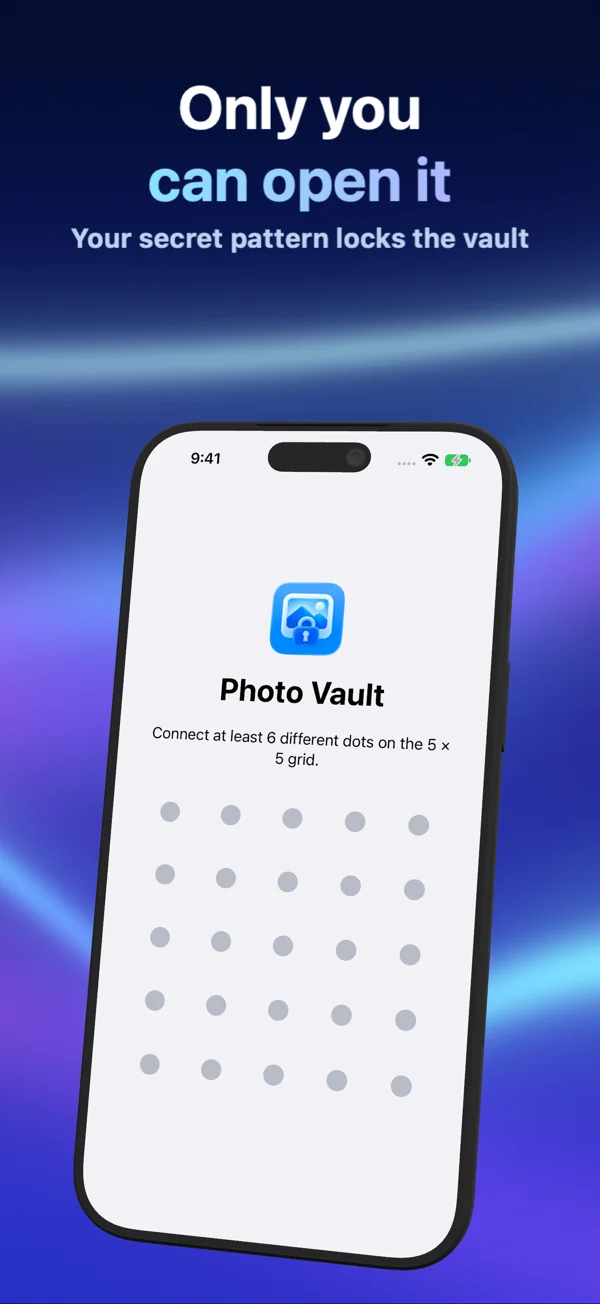
Choose a password, pattern or supported device authentication. Local media and metadata use AES-256-GCM encryption with keys protected by a device-only installation key. The app unlock credential is separate from that key.
Protect an exported archive
Secure Share creates a portable .pvsecure file with password- or pattern-derived protection. Secure Import opens it with the matching credential. This exported file is different from copying the internal local archive.
Ordinary Share prepares readable media files. It does not carry the app lock to another destination.
Understand the limits
- No automatic gallery sync or app-managed cloud backup.
- No account-based recovery, password reset or recovery phrase.
- No remote expiry or revocation of a secure archive after sending.
- No guarantee against an unlocked or compromised device.
- No deletion of originals, exports or backups elsewhere when you delete from the vault.
Verify the copy you depend on
Keep independent originals or a tested secure export and its credential. Verify image detail, video sound and important metadata on the destination before deleting originals or replacing a device.
This description follows the implementation and is not an independent security audit or a new device-test report.
Sources & further reading
Keep exploring
- Photo Vault security: encryption, app lock and sharing
- App lock vs media encryption: what Photo Vault’s lock actually protects
- Face ID unlock and the device passcode: choosing Photo Vault’s lock
- Hidden or decoy vaults: how they differ from Photo Vault’s Hide control
- Secure Share: send a protected Photo Vault archive
- Pattern lock and archive encryption: two different protections