 Photo Vault
Your memories.
Your eyes only.
A private home for your photos and videos. Lock your gallery, organize your memories and share an encrypted archive on your terms.
Free on the App Store for iPhone and iPad (iOS & iPadOS 26+) · Optional Personal, Family & Lifetime plans.
Private doesn’t have
to mean hidden away.
Browse photos, play videos, explore collections and revisit the places you have been.
Your library, behind your lock.
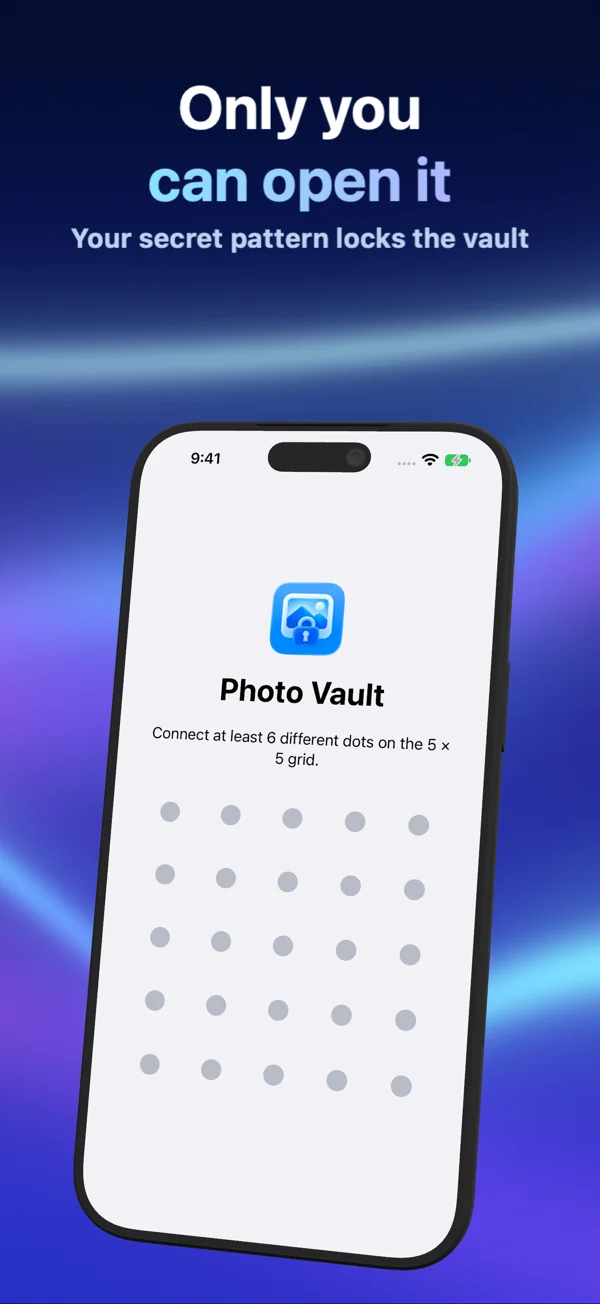
Unlock with a pattern, password or supported device authentication. Keep selected media in a local archive and browse it in a gallery built for photos and videos.
Find the moment.
Explore collections, search available metadata and recognized content, or view photos with location information on the map.
Share with a little more privacy.
Secure Share creates an encrypted file protected by a password or pattern. The recipient imports it into Photo Vault using the same protection.
Read the walkthrough →More than
a locked folder.
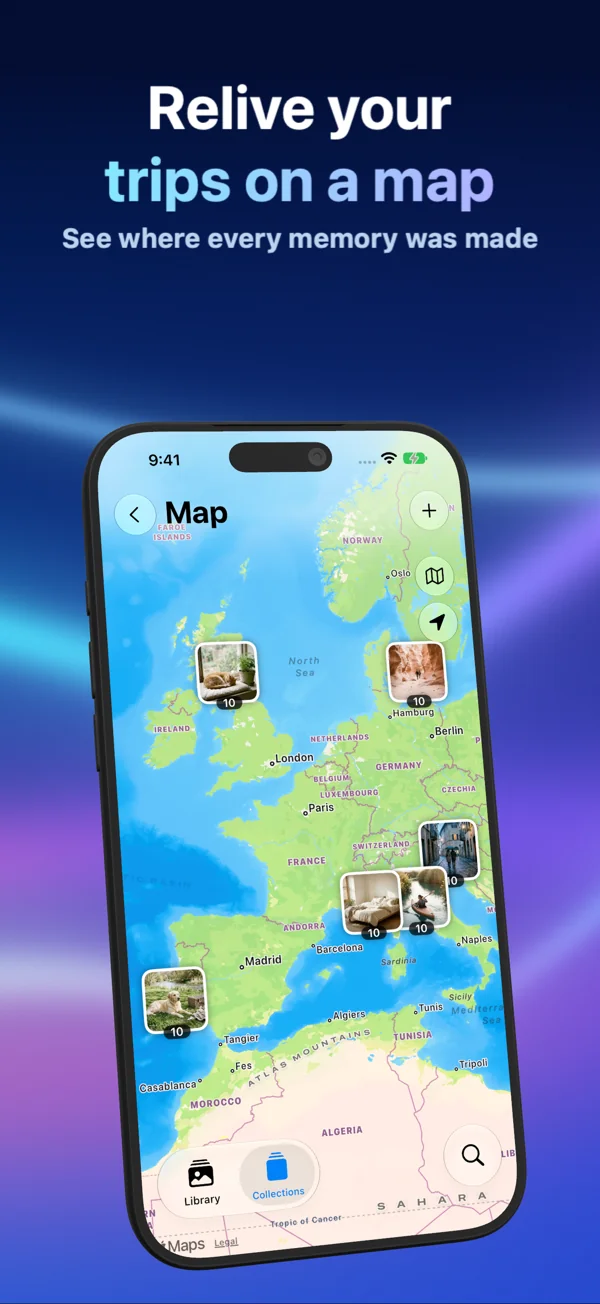
Memories have a place.
Browse locations stored with your imported photos.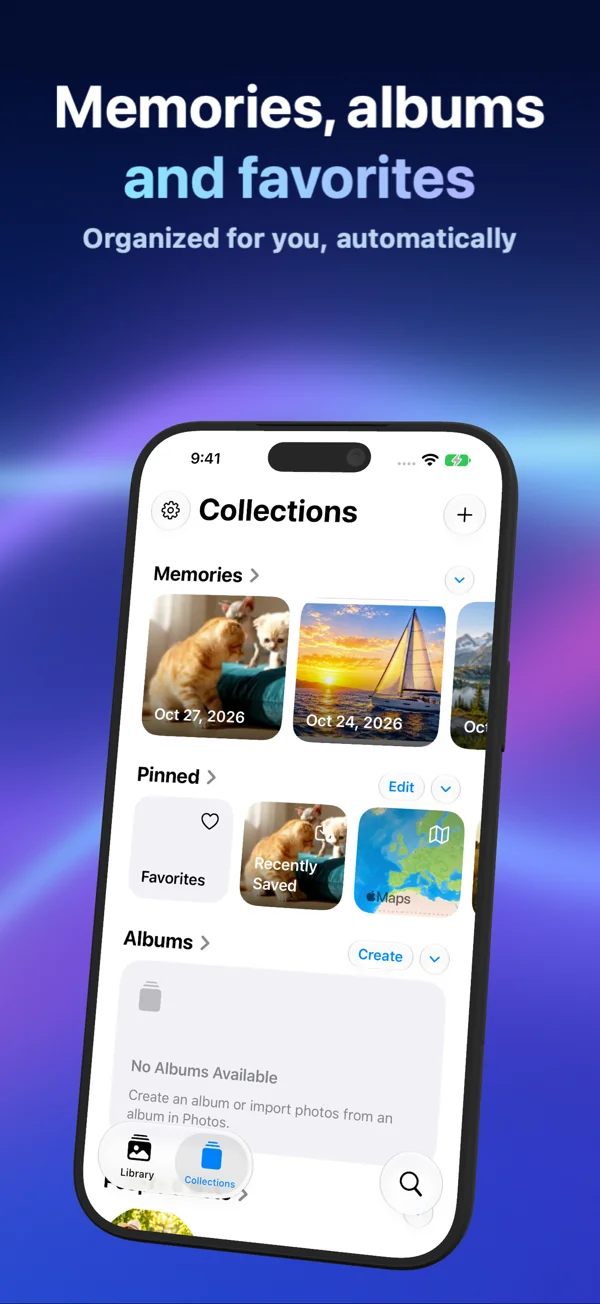
A little order. A lot of memories.
Organize your library into collections.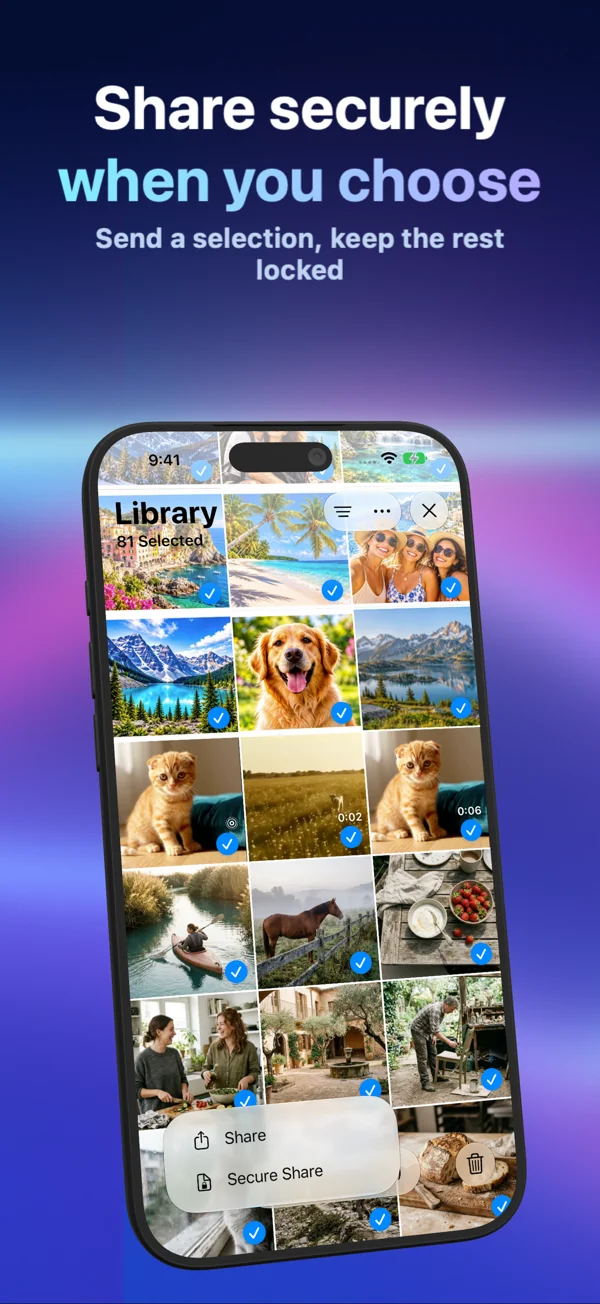
Send it protected.
Choose a password or pattern for your secure archive.On your device.
Under your control.
Photo Vault stores your imported library locally, with encrypted media and metadata. There is no Photo Vault account or gallery-upload server.
Read our privacy policy →Know what stays outside the vault.
Originals in Photos and ordinary exports are separate copies. Apple Photos, Maps, device backups and the destinations you share to have their own settings and services.
Keep a copy you can recover.
Compression can change image detail. Check your exports and test a secure archive before deleting originals or replacing a device. In-app deletion is permanent after confirmation.
Before deleting originals →Deep guides for privacy & storage.
Free to download ($0.00) on the App Store for iPhone and iPad (iOS 26+), with optional Personal & Family plans.
Encrypted Photo & Document Vault Guides
Scenario-by-scenario encryption setups for private photos, 4K videos, IDs, medical files, OCR text search, and app lock choices.
Secure Share, Backup & Transfer Checklists
Step-by-step Secure Share encrypted archive workflows, pre-deletion verification, iPhone upgrades, USB-C SSDs, and NAS backups.
iPhone & iPad Storage Compression Breakdowns
Device-by-device HEVC vault compression estimates across iPhone 17/16/15/14/13/12/SE and iPad Pro/Air/mini from 64 GB to 2 TB.
Compare PhotoVault vs Cloud & Vault Apps
Transparent comparisons against Apple Hidden Album, Keepsafe, Private Photo Vault, Proton Drive, Ente, Cryptomator, iCloud+, and more.
Encrypted Vault Storage & Cloud Calculator
Calculate estimated HEVC vault footprint, reclaimed iPhone/iPad gigabytes, and 3-year cloud subscription comparisons locally.
Download PhotoVault: Encrypt & Compress
Get PhotoVault free ($0.00) for iPhone and iPad. Protect media with Password, Pattern, or Face ID and compress selected albums.